Appearance
Creating Experiments
Create experiments using AI suggestions, templates, or custom prompts.
Dalton Suggestions
When your page is scanned, Dalton proposes new high-impact tests based on CRO best-practices. These proposals can be accepted to launch, or improved by using simple prompting.
Experiment Templates
The Dalton Editor contains a template library with 25+ testing ideas for your pages. These tests can be automatically implemented on your page using AI by selecting the templates you like. Dalton will follow your brand-styles and current website layout to implement the test as well as possible.

Prompting
You can use prompting in our editor in the following two ways:
- Click on any element on your page and provide feedback to Dalton to create a new experiment. E.g. 'Add social proof underneath this element.'
- Iterate on existing experiments to change the style & content.

For detailed guidance on writing effective prompts, see Prompting Best Practices.
Multi-Page Experiments
Want to run the same experiment across all your product pages, category pages, or blog posts? See Multi-Page Experiments for how to set up URL wildcards and avoid common pitfalls.
What You Can Test
| Element Type | Can Test? | Notes |
|---|---|---|
| Headlines & text | Yes | Any text element |
| CTAs & buttons | Yes | Copy, color, size |
| Section order | Yes | Move elements up/down |
| New elements | Yes | Banners, badges, social proof |
| Layout & spacing | Yes | Via prompts |
| Images & videos | No | Use URL Split Tests instead |
| Navigation menus | No | Requires backend changes |
| Dynamic content | No | Prices, inventory, etc. |
Mobile & Desktop View
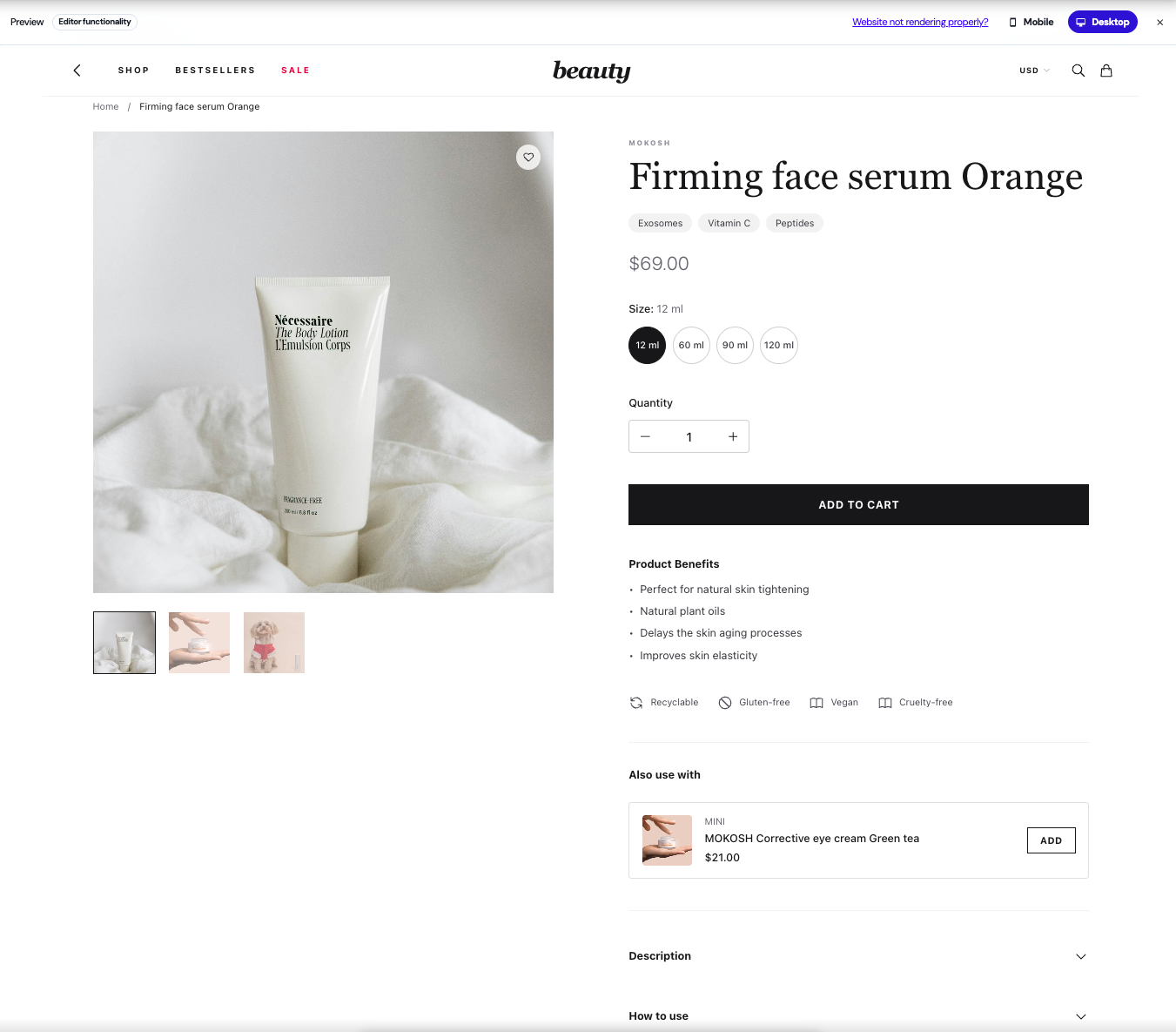
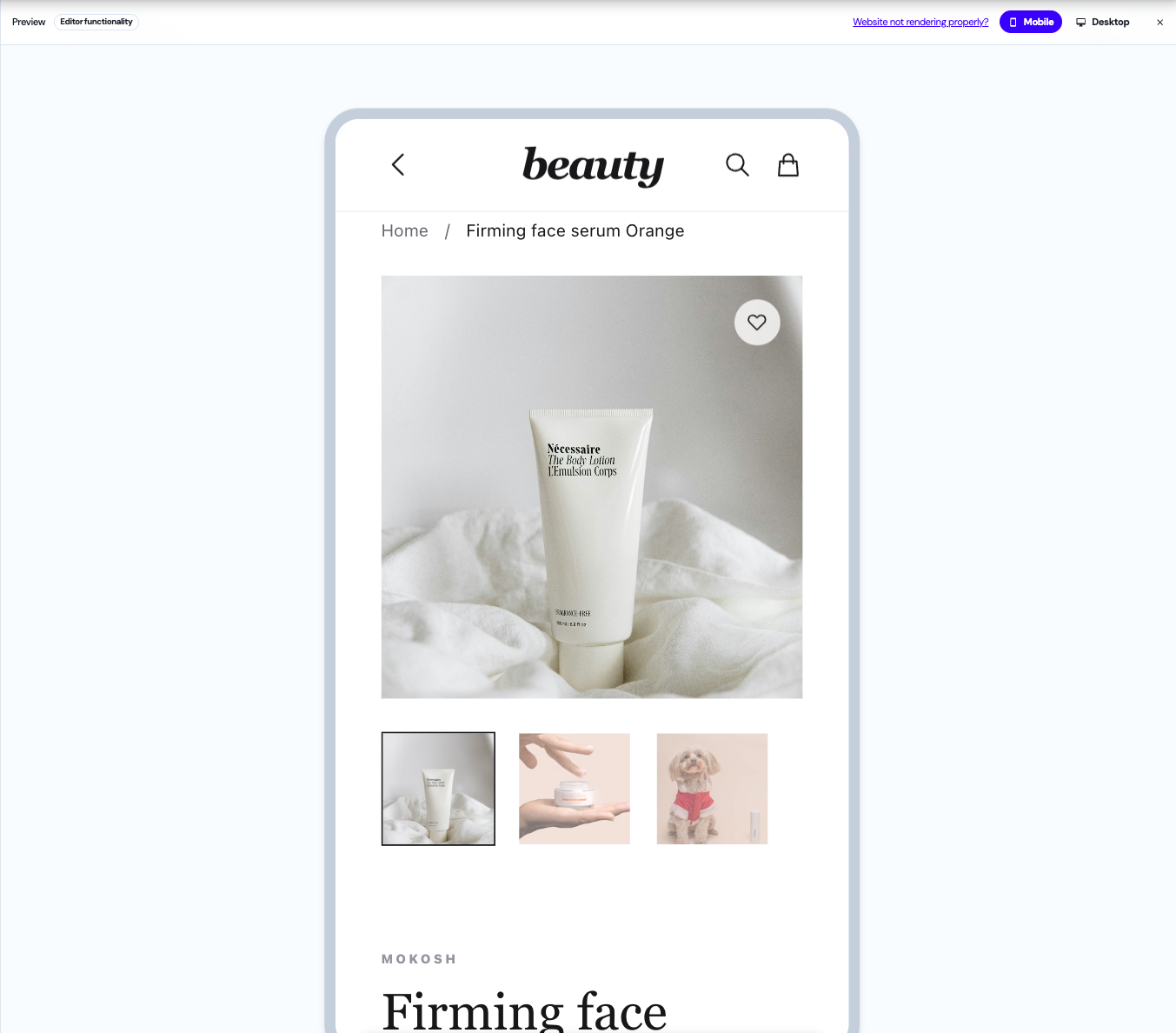
Preview and edit your experiments on both mobile and desktop directly in the editor.
Toggle here between desktop and mobile