Appearance
Installation
Installing the Dalton script is required to launch your experiments live and start measuring data.
Installation Overview
Dalton works on any platform—React, Shopify, Webflow, Framer, WordPress, and more. The installation is straightforward: add our JavaScript snippet to the <head> section of your pages.
You can choose to install Dalton:
- Sitewide: Enable Dalton across your entire website to detect optimization opportunities everywhere
- Specific Pages: Install only on the landing pages you want to optimize
Installation Instructions
1. Get Your Snippet
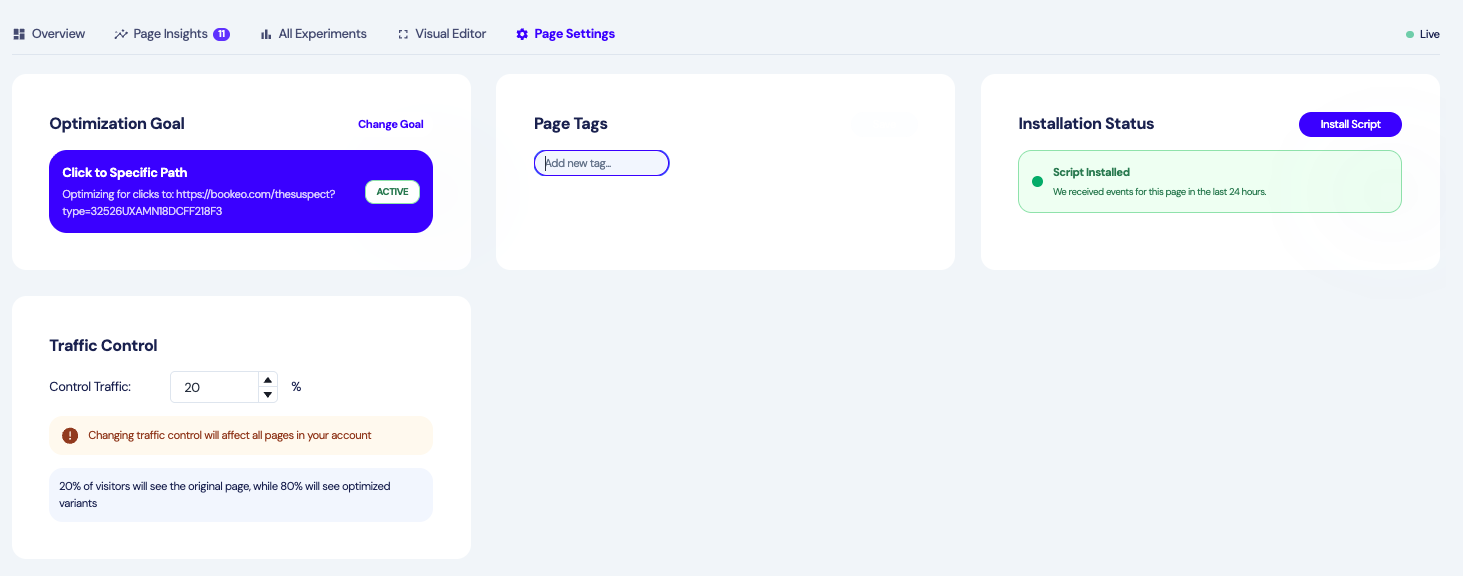
Find your unique JavaScript snippet in your Dalton page editor or dashboard under Settings > Installation.

2. Add to Your Website
Copy the snippet and paste it in the <head> section of your HTML, as high up as possible.
Share with Developer
Don't have direct access to your website code? Use the "Share with developer" button in the installation settings. This generates a shareable link that doesn't require a login and contains all the information your developer needs to install Dalton.
3. Verify Installation
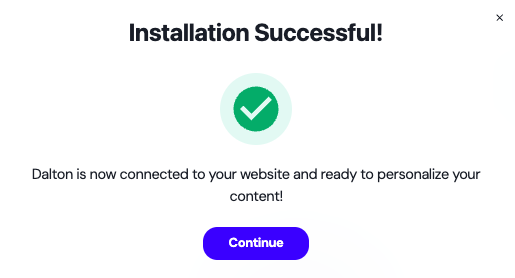
Once installed, return to your Dalton dashboard and click "Verify Installation" to confirm the snippet is working correctly.
Page settings - Install Script - Next: Verify Installation