

Appearance
Editor Agent
The agent sits on the right of the editor. Ask it a question or describe a change, and it researches, builds and checks the variant on your page. It never launches anything.
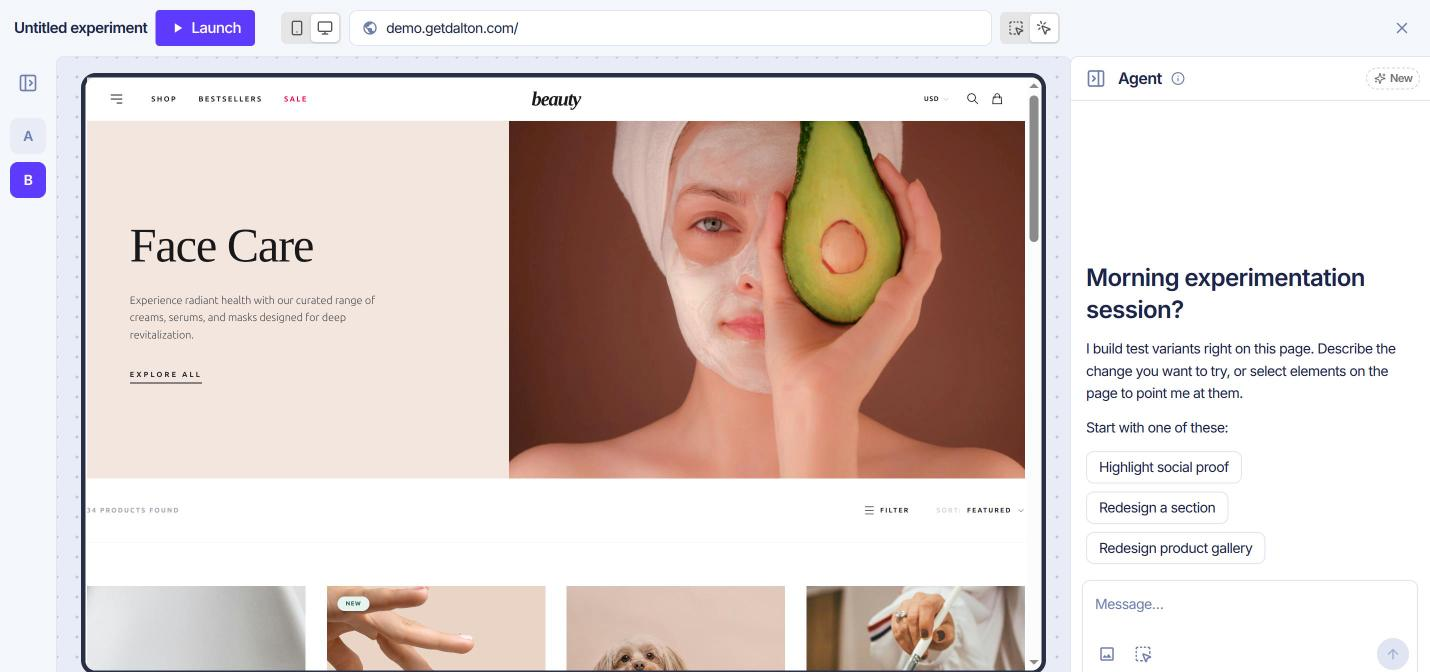
What it already knows
Every conversation starts with your account in view:
- Your brand: name, domain and description, from Brand Intelligence.
- Your competitors: the ones you added in Brand Intelligence.
- Your traffic: sessions over the last 30 days, by device.
- Your tests: your page groups and the experiments on them.
- The open page: its layout, brand style and voice.
Each experiment keeps its own conversation.
What it can do
- Read your data. Analytics over 7, 30 or 90 days, every experiment and its results, and the issues the CRO Agent found.
- Browse. It opens any site, yours or a competitor's, on desktop or mobile. It takes screenshots and clicks through.
- Search the web. It researches reviews, references and examples, and links its sources.
- Build and edit. It creates variants, edits them and checks them on the live page. Each change lands in the editor as it saves.
Best practices
- Be highly specific. Name the element, the change and the limits. "Keep it under 6 words and keep the current font" beats "make it better".
- Select elements. Click Select on website, then the element. "Make this a solid button" then needs no description of where.
- Reference what is already on your site. Point the agent at an element or image to copy: "Copy the style of the Add to cart button on our product pages." It reuses your own styles instead of inventing new ones.
- Upload examples. Upload image takes up to four screenshots, such as a competitor's section or a sketch.
- State lasting rules. "Never change our logo" or "Always write in British English" is remembered across conversations. One-off requests are not.
- Name the variant. With several variants open, say which one to change. Otherwise the agent may change them all.
- Ask for research first. "Don't build anything yet" keeps the agent to an answer.
Examples
Create a new variant by asking
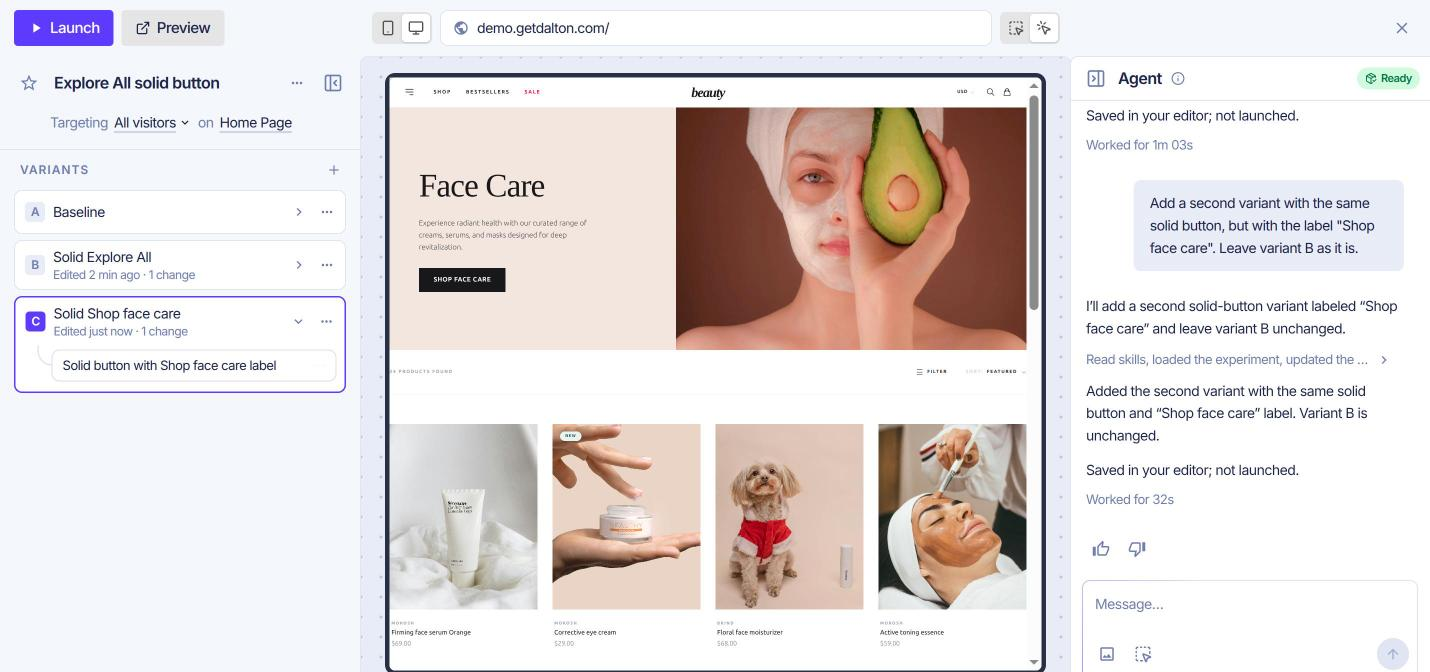
Describe the variant. It appears in the left pane, named and ready to review.
Add a second variant with the same solid button, but with the label "Shop face care". Leave variant B as it is.
Compare against a competitor
The agent opens their site and yours on the same device and compares them side by side.
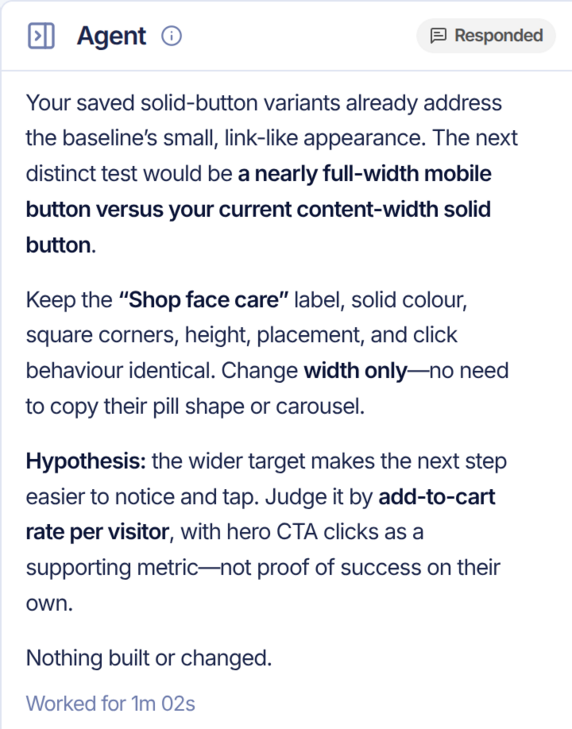
Compare our home page hero with The Ordinary's on mobile. Tell me the one difference most worth testing. Don't build anything yet.
Without a name, it picks from the competitors in Brand Intelligence. With none on file, it says so and picks a reference itself.
Build on previous experiments
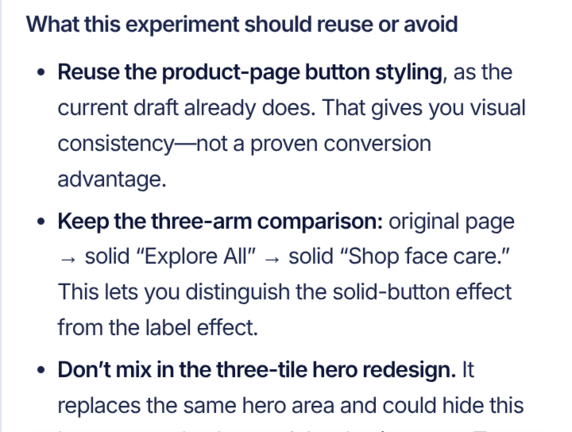
The agent reads every experiment on the account, with results where they are in. It flags tests that overlap, and ideas already tried.
What have we already tested on this account, and how did it go? Is there anything this experiment should reuse or avoid repeating?
Mine your reviews
The agent reads the reviews on your product pages, searches for reviews elsewhere, and links each source.
Read what customers say in the reviews on our product pages and anywhere else online. What is the most common praise or complaint, and which test on this page would answer it?
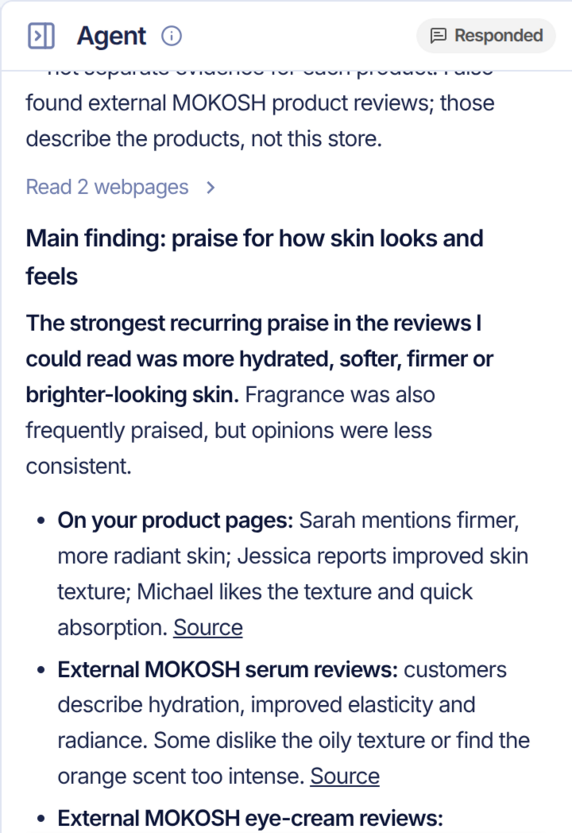
It reads a sample, not every review. Treat the theme as a direction, not a ranking.
Find where visitors drop off
Where do mobile visitors drop off between this page and checkout? Suggest one test for the biggest leak.
This draws on your analytics, so it needs the Dalton script installed and some traffic behind it.
Limits
- It never launches. Review and launch from the editor.
- It does not edit launched experiments. Edit their code by hand, or copy the experiment.
- Some sites block it. A site behind bot protection may not load, even after a retry.